Unifying Challenge Widget Game Settings

Company: Clearview

Role: UI Lead

Overview

As the UI Lead, I stepped in to support fellow designers working on a dashboard widget featuring three mini-games. My primary objective was to unify the layout and styling of the settings across all games, ensuring consistency, clarity, and scalability within the broader design system.
Problem Statement

Each game had its own settings interface, developed independently. This led to:

The challenge was to streamline these interfaces into a cohesive experience while preserving each game's unique functionality.

Research & Audit

Design Strategy

To unify the settings UI, I focused on:

Impact

Design

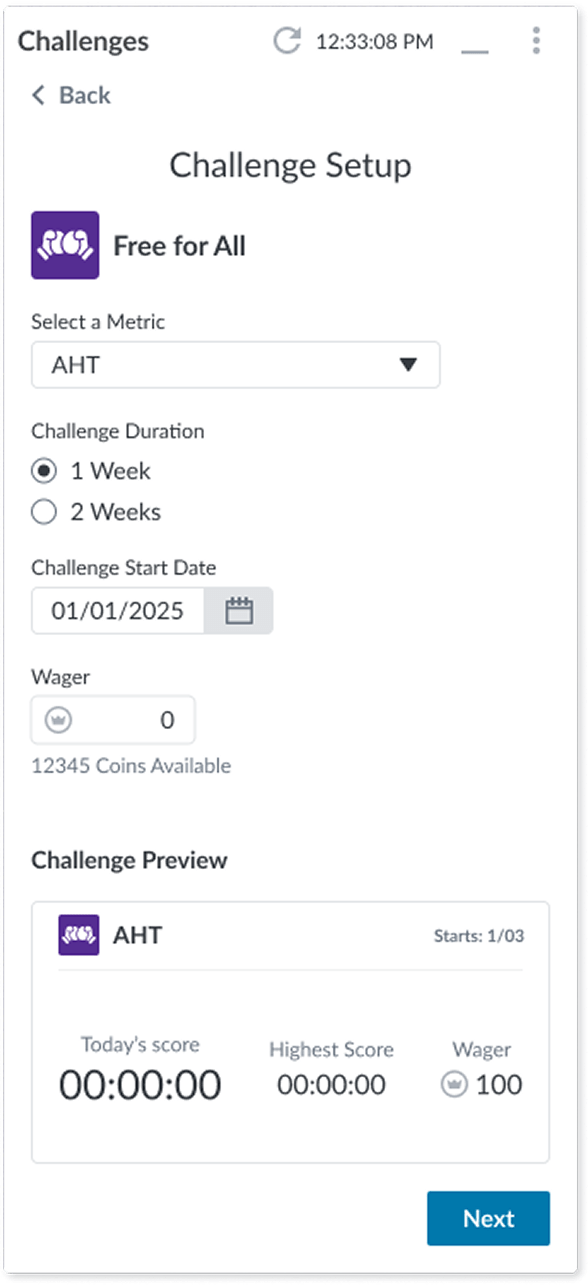
Free For All Setup

Step 1

Before

After

Changes:

  • Back button includes descriptive text indicating its function
  • Replaced all input components with those from our UI kit
  • Ensured color choices meet accessibility standards
  • Adjusted spacing for improved layout consistency
  • Renamed “Start” button to “Next” for clarity

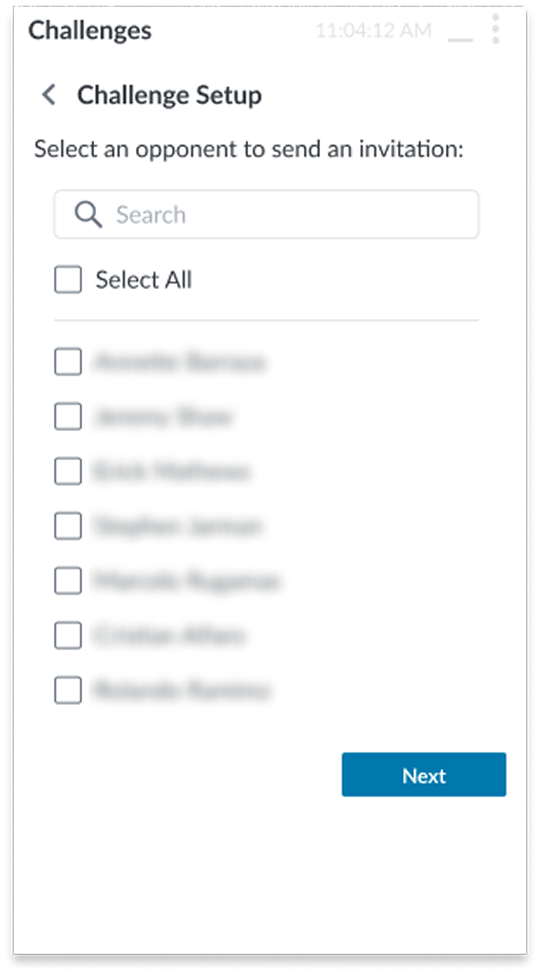
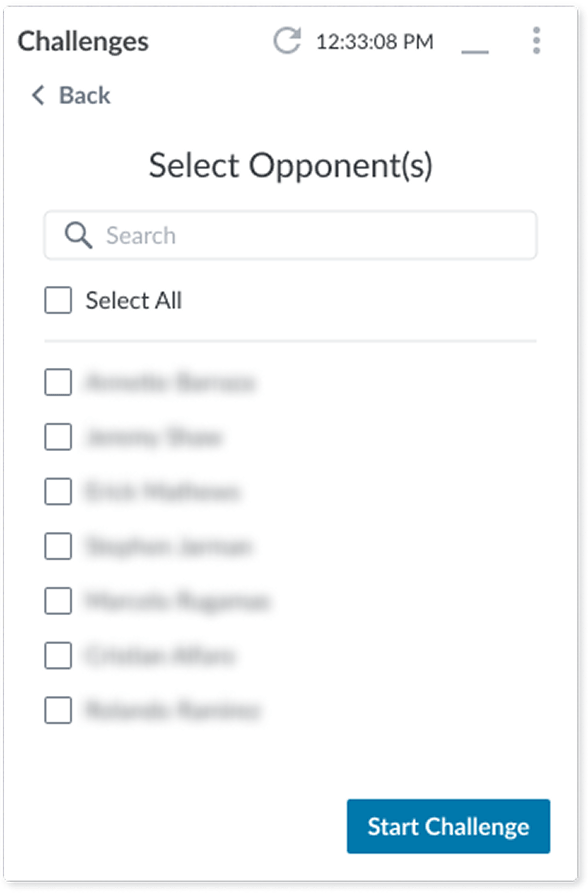
Free For All Setup

Step 2

Before

After

Changes:

  • Back button includes descriptive text indicating its function
  • Simplified heading for better scannability
  • Verified use of correct checkbox components
  • Renamed “Next” button to “Start Challenge” for clarity, since the next screen shows a summary and sends the challenge invite

NOTE: Names were blurred for privacy since I initially designed them with the names of coworkers.

Free For All Setup

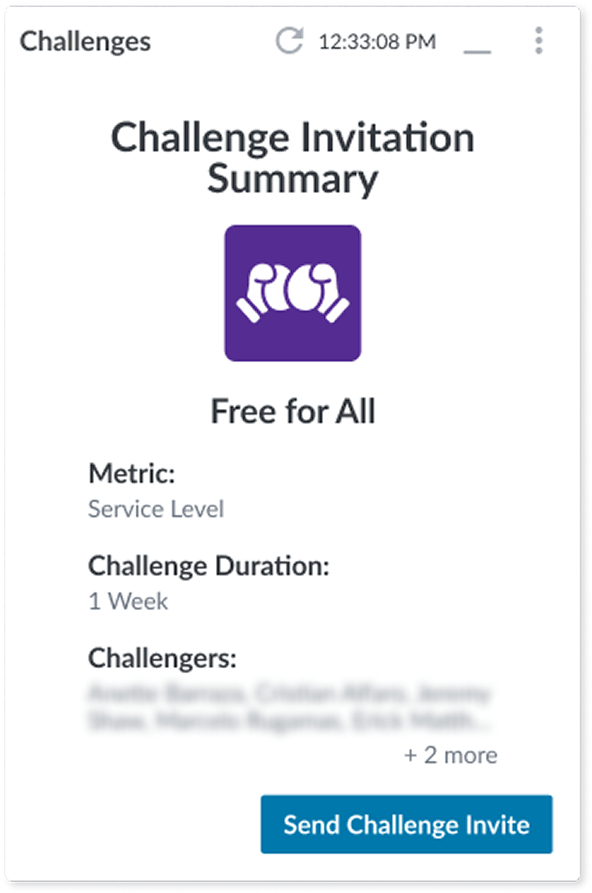
Added extra step for a summary before confirmation

After

To help prevent the user from making a mistake, I added a summary screen where they can review what they set up before sending out the challenge invites.

NOTE: Names were blurred for privacy since I initially designed them with the names of coworkers.

Free For All Setup

Final Screen

Before

After

Changes:

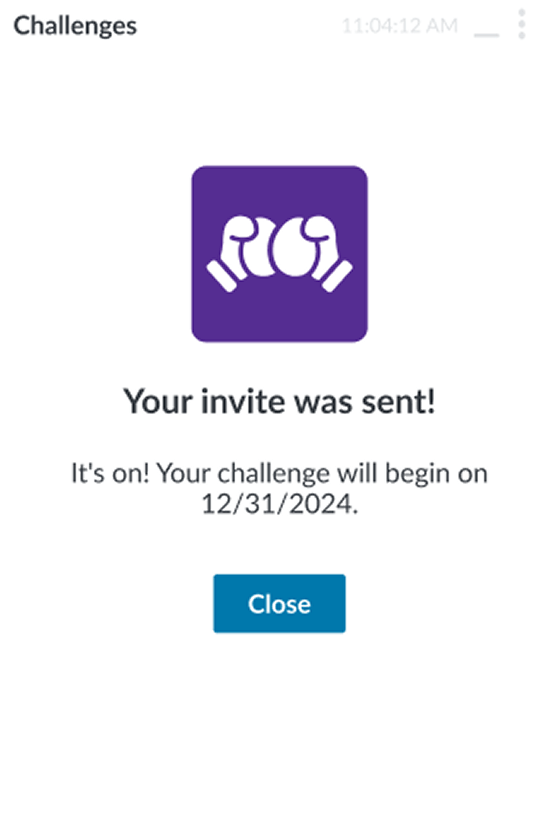
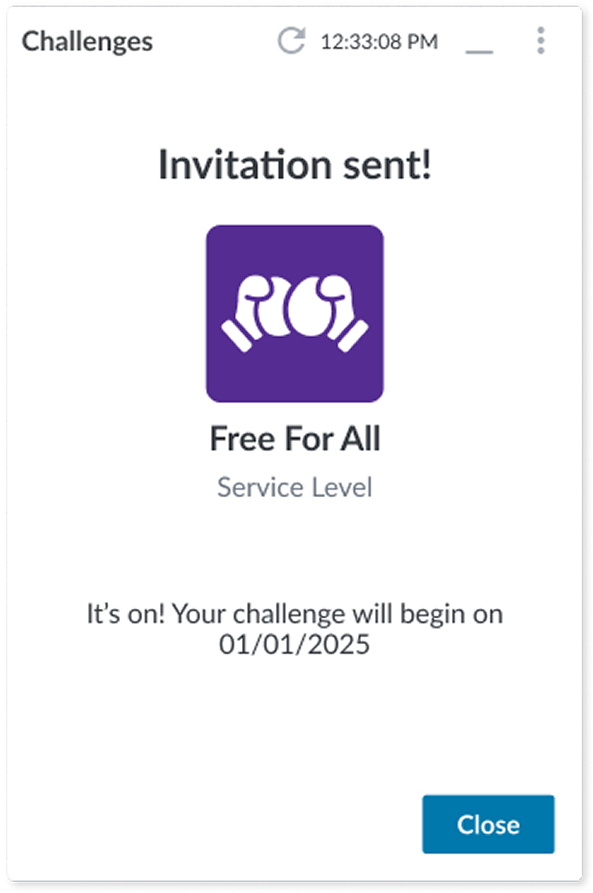
  • Made the confirmation message more prominent
  • Added the challenge name and metric focus to reconfirm what the user has sent
  • Adjusted spacing to improve readability and focus

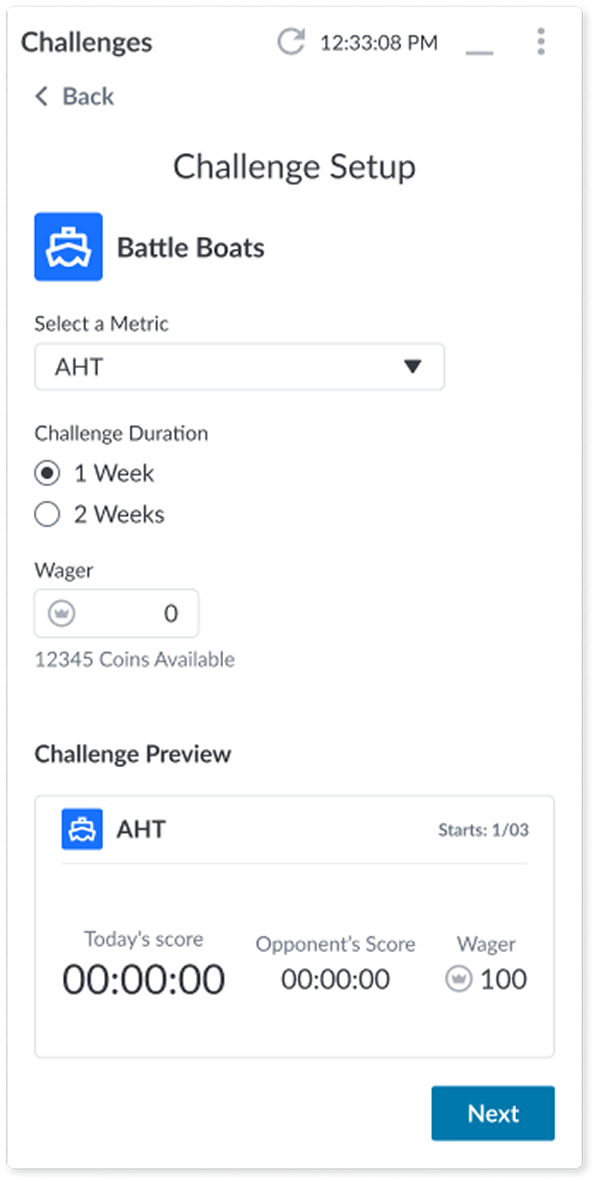
Battle Boats Setup

Step 1

Before

After

Changes:

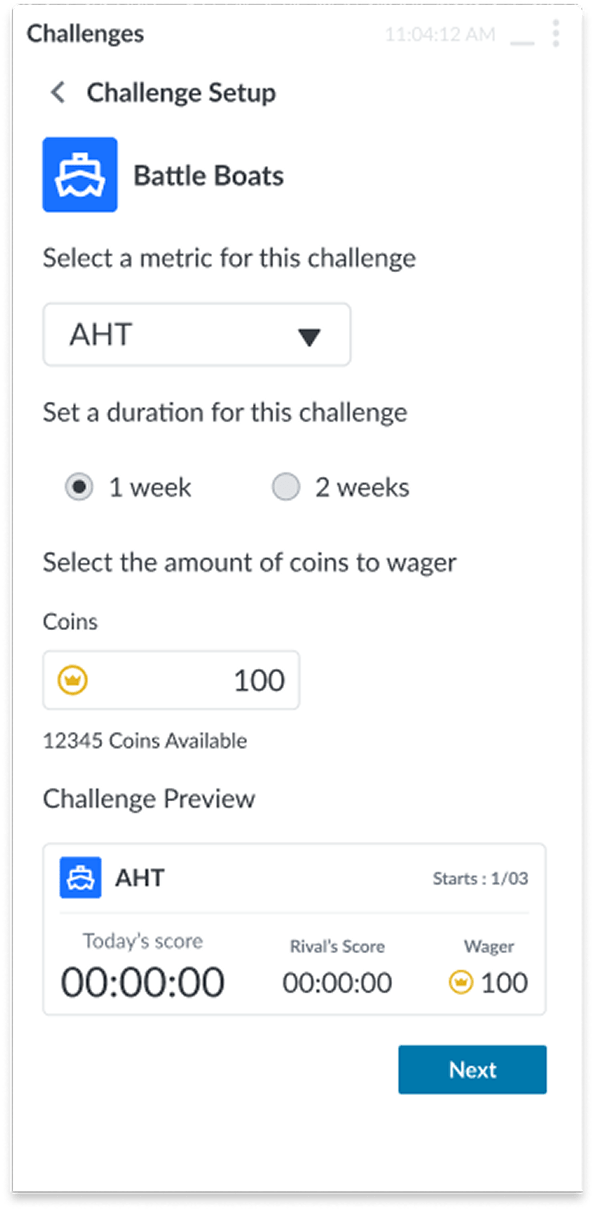
  • Back button includes descriptive text indicating its function
  • Replaced all input components with those from our UI kit
  • Ensured color choices meet accessibility standards
  • Adjusted spacing for layout consistency
  • Used the correct button component for “Next”

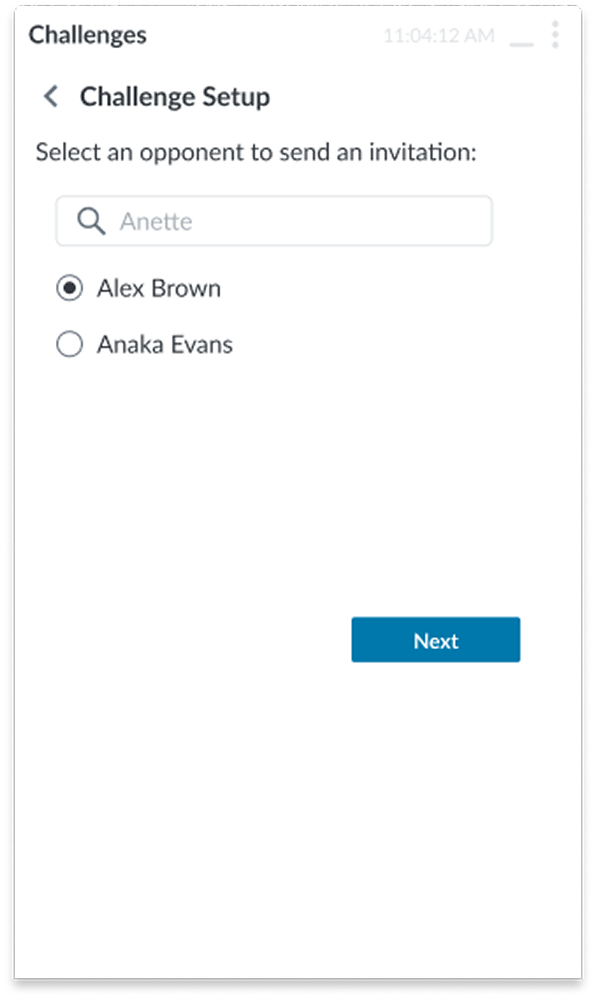
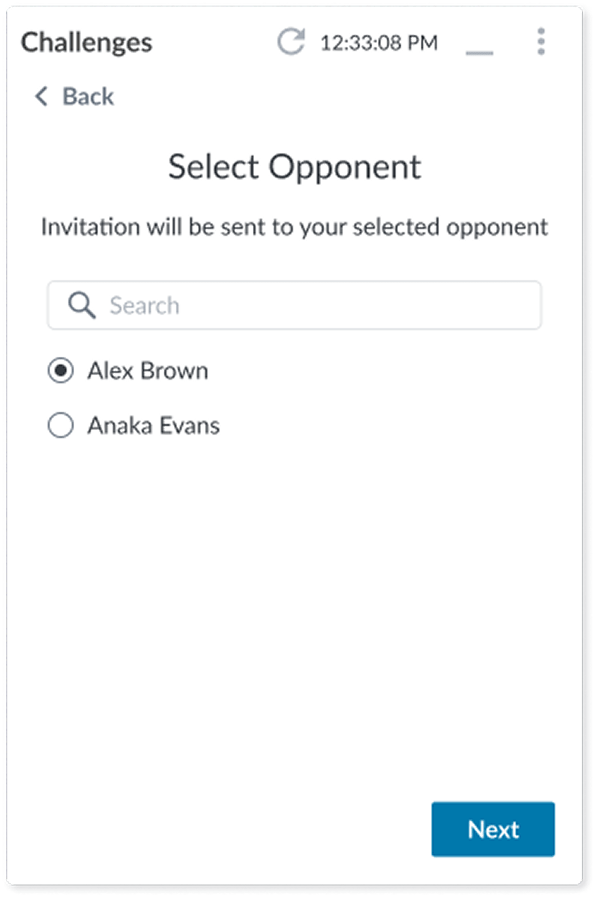
Battle Boats Setup

Step 2

Before

After

Changes:

  • Back button includes descriptive text indicating its function
  • Simplified heading for better scannability
  • Used the correct button component for “Next”

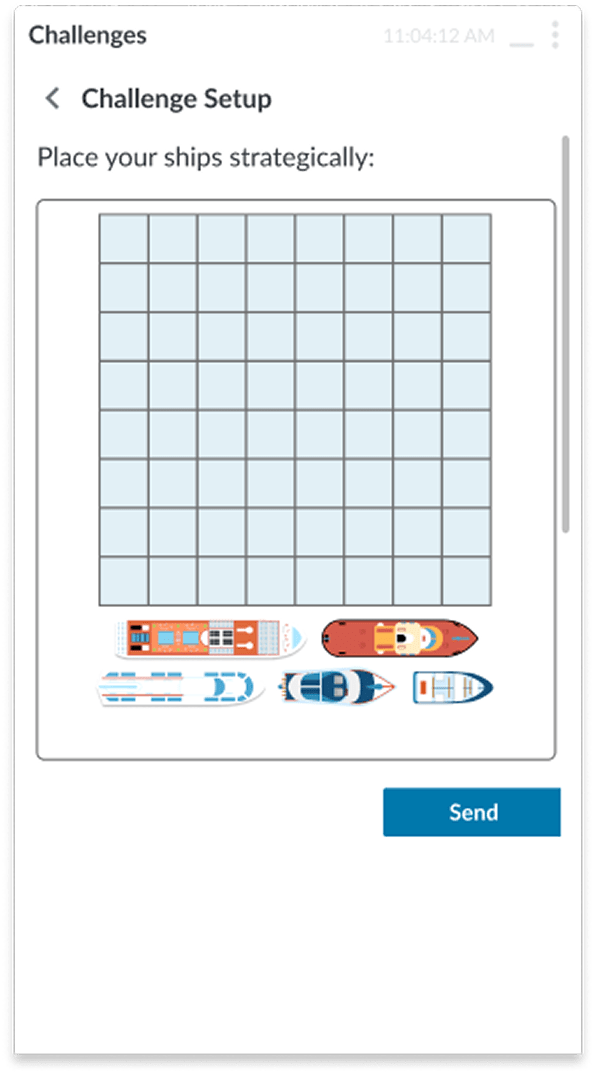
Battle Boats Setup

Ship Placement

Before

After

Changes:

  • Back button includes descriptive text indicating its function
  • Ensured colors meet accessibility standards and use color tokens from the UI kit
  • Adjusted spacing to make the design feel more breathable
  • Updated styles for the grid and interaction states of the ships
  • Used the correct button component for “Next

Battle Boats Setup

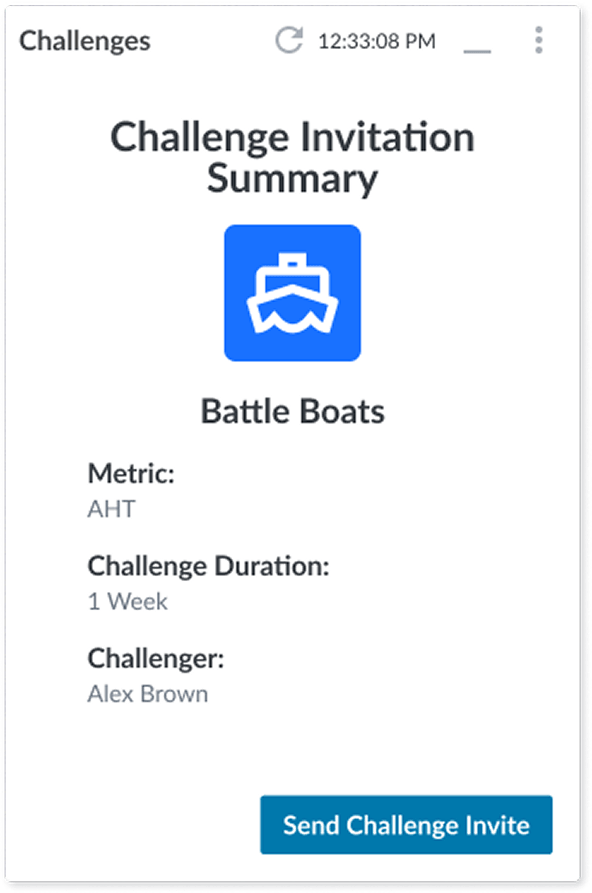
Added extra step for a summary before confirmation

After

To help prevent the user from making a mistake, I added a summary screen where they can review what they set up before sending out the challenge invites.

Battle Boats Setup

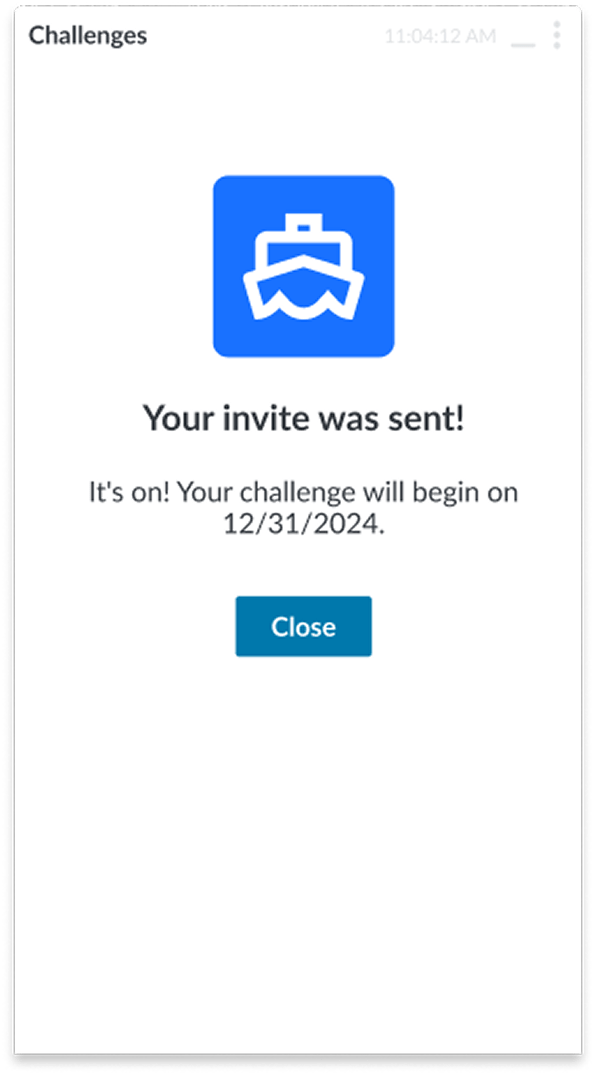
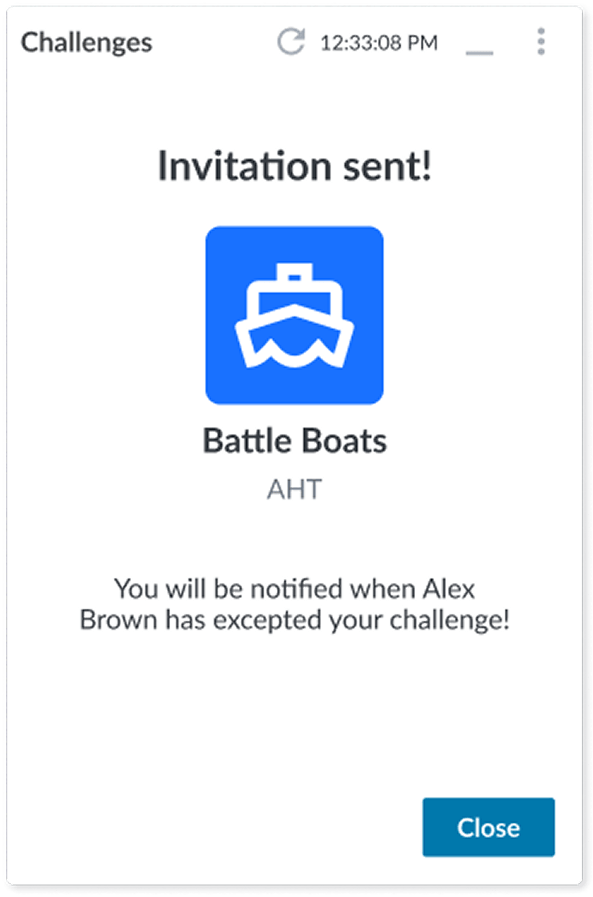
Final Screen

Before

After

Changes:

  • Made the confirmation message more prominent
  • Added the challenge name and metric focus to reconfirm what the user has sent
  • Adjusted spacing to improve readability and focus

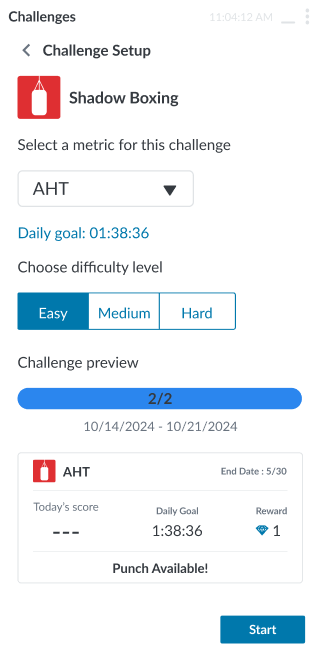
Shadow Boxing Setup

Settings

Before

After

Changes:

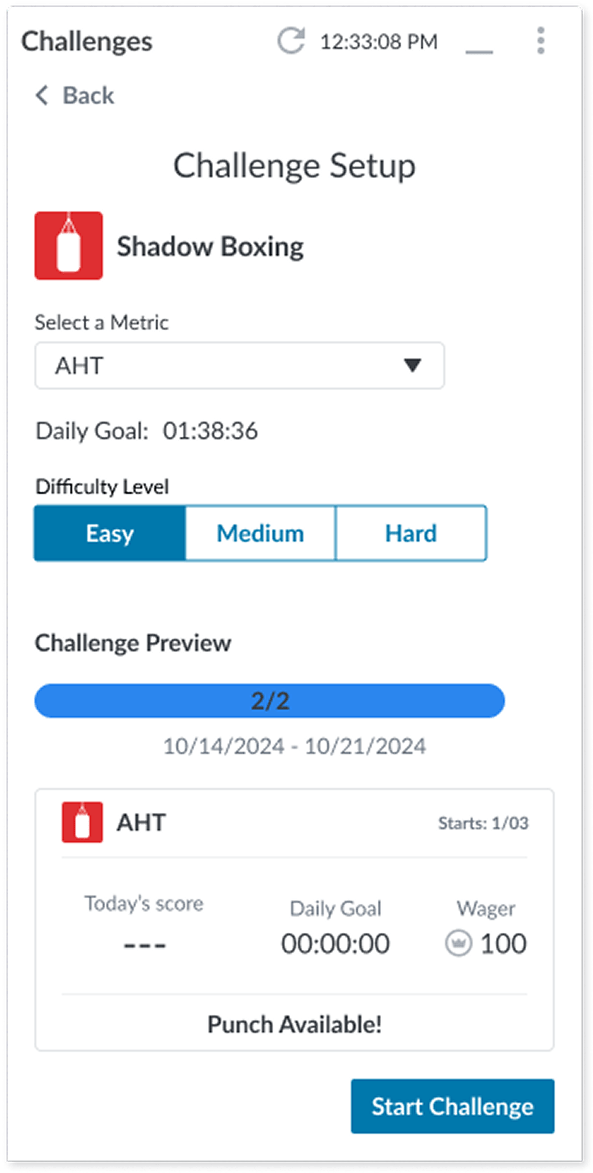
  • Back button includes descriptive text indicating its function
  • Simplified heading for better scannability
  • Replaced all input components with those from our UI kit
  • Ensured color choices meet accessibility standards
  • Adjusted spacing for layout consistency
  • Clarified “Start” button as “Start Challenge” for better context

Shadow Boxing Setup

Confirmation

Before

After

Changes:

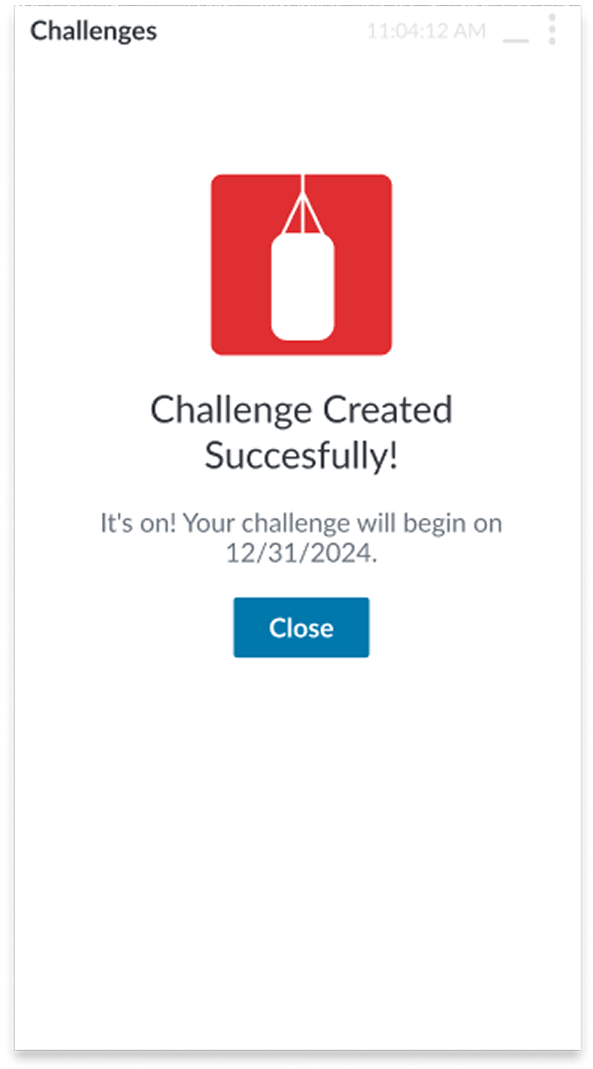
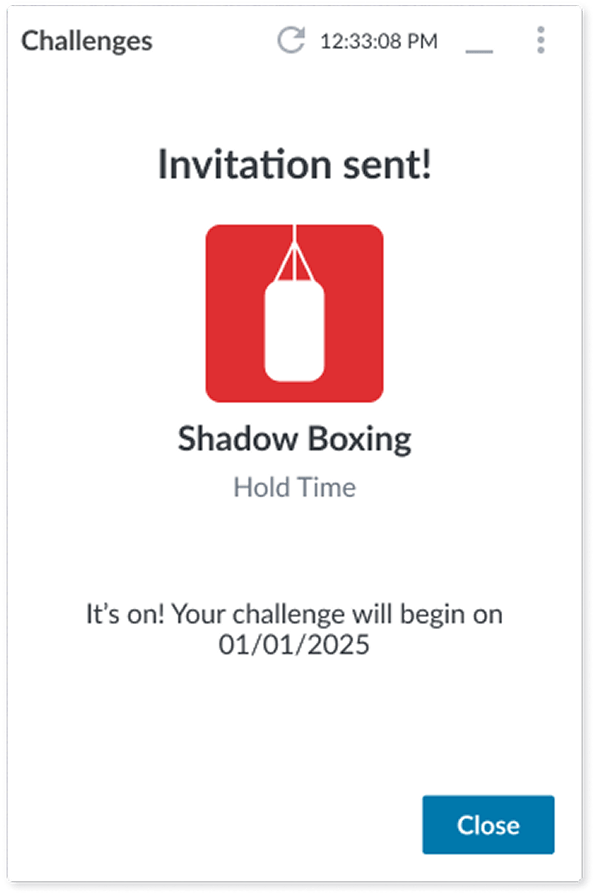
  • Made the confirmation message more prominent
  • Added the challenge name and metric focus to reconfirm what the user has sent
  • Adjusted spacing to improve readability and focus

What I Learned

By guiding other designers through the nuances of tokens, variants, and layout logic, I saw firsthand how shared understanding can unlock consistency and creativity. It wasn’t just about building components, it was about building confidence in the system itself. That shift in mindset across the team was just as rewarding as the final product.